
5 Best New Pinterest Automation Tools for E-commerce in 2026
The 5 best new Pinterest automation tools for e-commerce in 2026. Real features, pros, cons, pricing, and the one rule that keeps your store's account alive.
By Pedro Campos
 Supapin
Grow your traffic with Pinterest
- Turn your pages into pins
- Rank in Pinterest search
- Drive clicks back to your site
No credit card required
Most stores quit Pinterest. Not because it stops working, but because the pin treadmill wears them down.
Here is the catch. Pinterest rewards stores that post fresh pins every week, forever, and doing that by hand is a part-time job that no one applies for. Our Pinterest time-savings calculator clocks it near 20 hours a month once you add design, copy, and posting. The Pinterest stats every store owner should know make the case for why it is still worth the fight.
So here are the five new tools to do the job for you. I built one of them, Supapin, so you get my honest read, including where the others win.
One thread ties all five together. Pinterest spent 2026 banning accounts for bad automation. So for each tool, I tell you how it connects. That one detail decides whether you stay safe or end up getting banned.
Let's get started.
1. BlogToPin
Your store runs on content. Blog posts, product pages, the odd landing page.
BlogToPin treats all of it as raw material. Point it at your site and it reads every page and turns each one into a pin. Picks the board, writes the description, and even builds collages from your product shots.
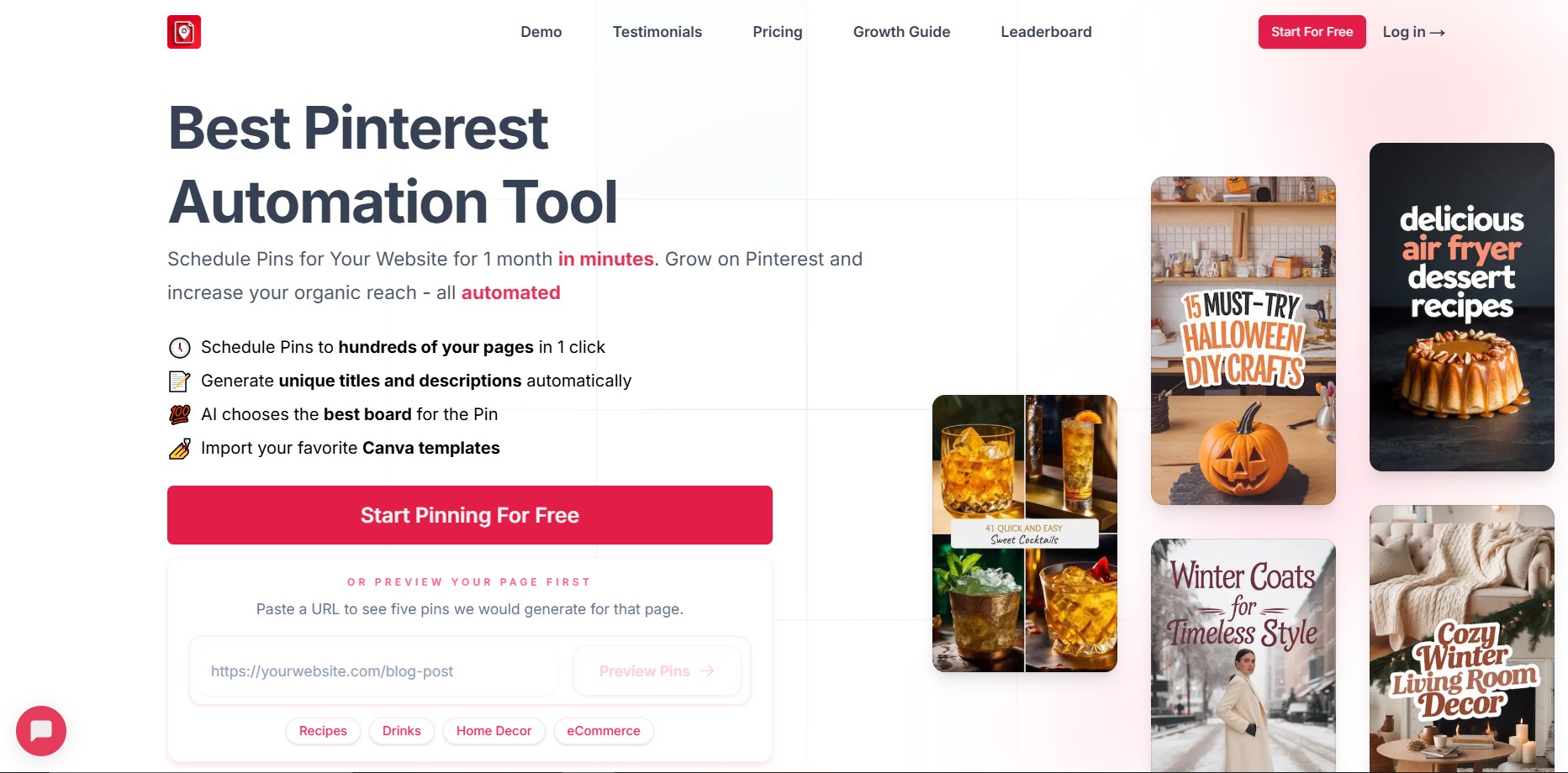
Features. Auto-creates pins from any page, with AI titles, descriptions, and board selection. It has 36 color palettes, 27 templates, Canva import, pin variation testing, and analytics that tie pages to saves and clicks. Unlimited Pinterest accounts and websites even on Starter, which covers 35 pins a day (1,000 a month) and 500 AI pins. Works with Shopify, WooCommerce, Etsy, WordPress, and Medium.
Pros
- Deep, hands-off automation straight from your live site
- Connects via OAuth and paces pins to protect account health
- Unlimited accounts and sites on every plan
Cons
- The marketing leans on big traffic multipliers. Judge it on the automation, not the numbers.
- Blog-first by birth, so thin-content stores give it less to chew on
- The Agency tier offers an email and password login, which is the riskier route the safety section warns about, so stick with the OAuth connection
Pricing. Starter is $25 a month billed annually ($299 a year), or $39 month to month. Agency is $50 a month annually ($79 monthly), Enterprise $125 a month annually ($179 monthly).
Best for. Content-heavy stores and busy blogs with a lot of pages to mine.
2. Supapin
This one is mine, so read accordingly. Supapin works like BlogToPin, with one line I will not cross. It runs entirely through Pinterest's official API. No logging in as you, and no scraping.
I watched stores lose accounts to shady automation, and I was not going to build another one. Pin specs still matter, and I keep a pin sizes and dimensions guide if you want them.
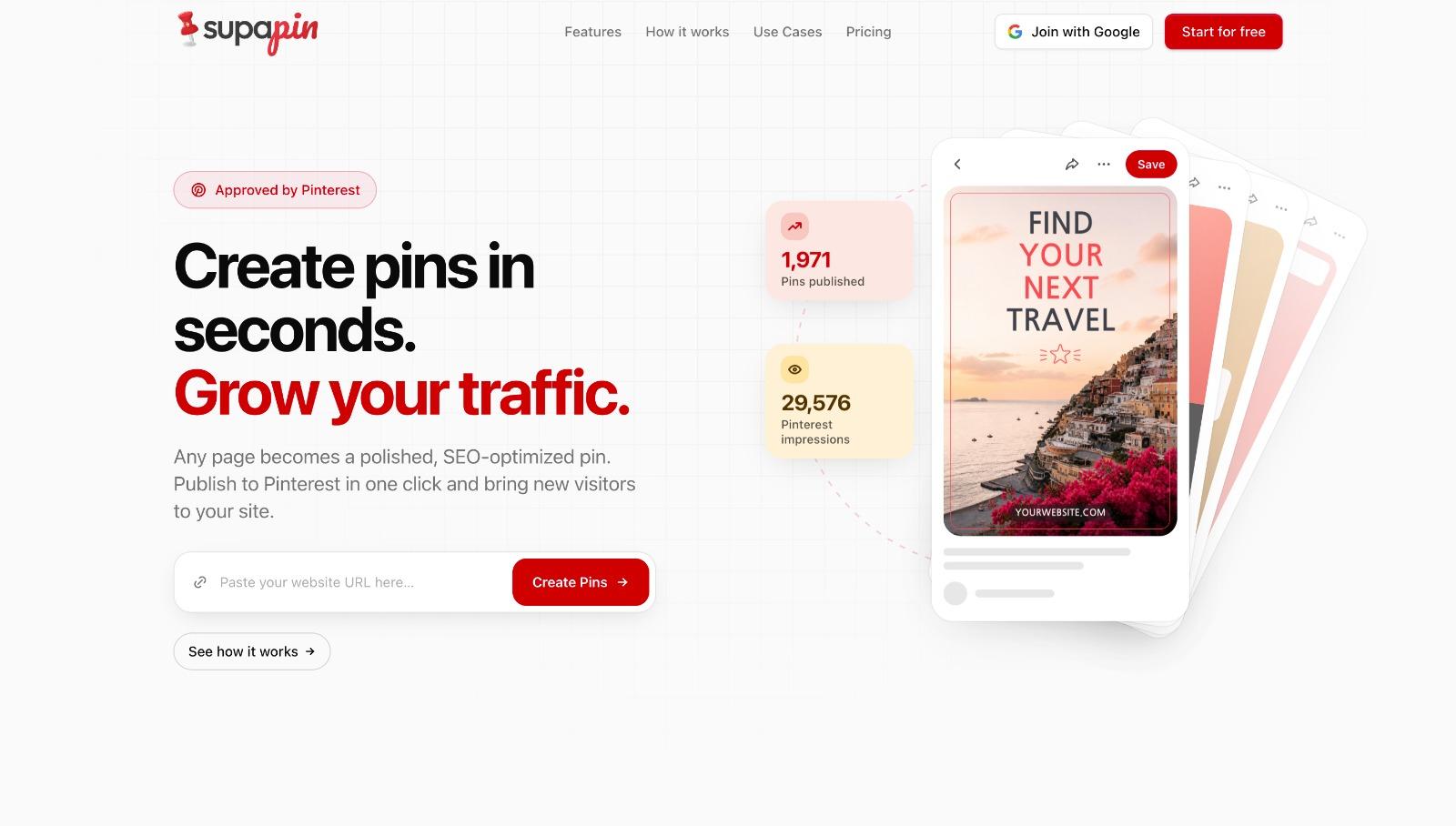
Features. Scans your site or blog, designs pins with SEO titles and descriptions, matches each to the right board, and publishes on a schedule. Dashboard tracks impressions, clicks, and saves. Starter includes 200 credits a month and 1 Pinterest account, Pro steps up to 500 credits and 3 accounts with advanced analytics and team members, Business covers 1,000 credits and unlimited accounts.
Pros
- Official API with OAuth. No shared passwords, no scraping risk.
- Tiered plans that scale cleanly with credits, accounts, and analytics
- Set it and forget it, from content you already have
Cons
- Younger and smaller than the legacy names
- Built around Pinterest, so it is not a six-platform command center
- Less pixel-level design control than a dedicated design app
Pricing. Starter is $17 a month billed annually ($204 a year), or $29 month to month. Pro is $27 a month annually ($49 monthly), Business $49 a month annually ($99 monthly).
Best for. Stores and blogs that want hands-off pins on a safe, official connection.
3. Made to Spark
Hate opening design tools? This one is for you.
Made to Spark takes a keyword, a product URL, or an article, and hands back branded pins with the title, description, and alt text already written. Drop in one blog post and it gives out a batch of pins from it.
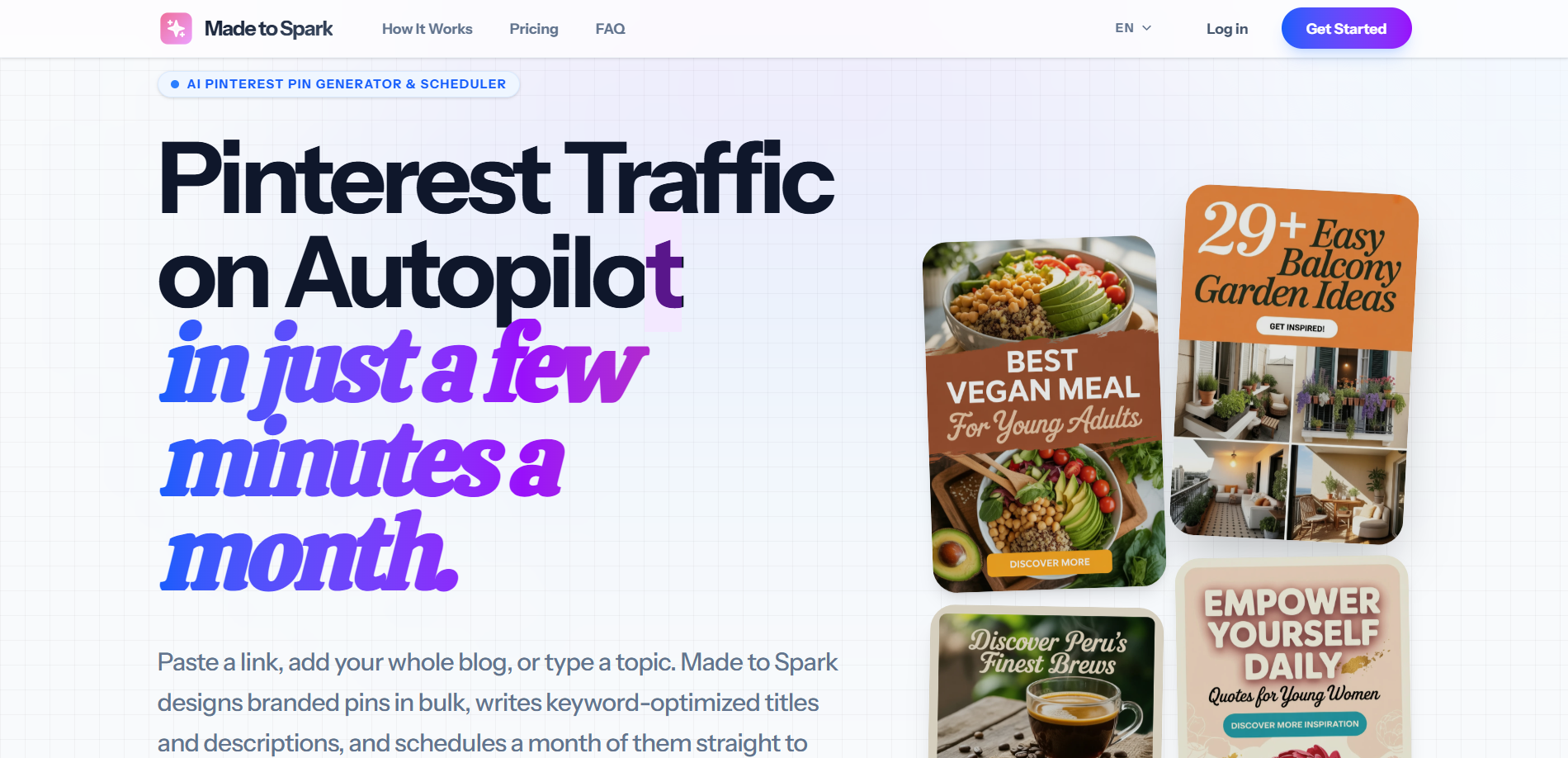
Features. AI pins from a keyword, URL, or product link, including Amazon, Shopify, and Etsy, with titles, descriptions, and alt text written for you. Generates original images or uses your own, applies your brand colors and voice, schedules directly to your Pinterest boards, and publishes articles to WordPress or Shopify in 6 languages. Solo covers 30 pins a day, 100 AI credits a month, and 5 connected sites. A free generator is available to try.
Pros
- Turns a keyword, URL, or product link into finished pins, copy and alt text included
- Free generator lets you see the output before paying
- AI images mean you do not need product photos to start
Cons
- Leans on AI visuals and blog content. Want your real product photos on every pin? Test the fit first.
- AI quality wobbles. You will toss a few.
- Newer tool, and it does not publicly state how it connects to Pinterest, so confirm that before scaling
Pricing. Solo is $21.90 a month, Growth $49 a month. A free pin generator is available without a plan.
Best for. Bloggers, affiliates, and content-led stores that want branded pins without touching a canvas.
4. PinAutoPilot
PinAutoPilot is the newest name here, built around a single promise. Connect your Shopify store and it turns your whole catalog into pins on autopilot. Generates, optimizes, schedules. You touch nothing.
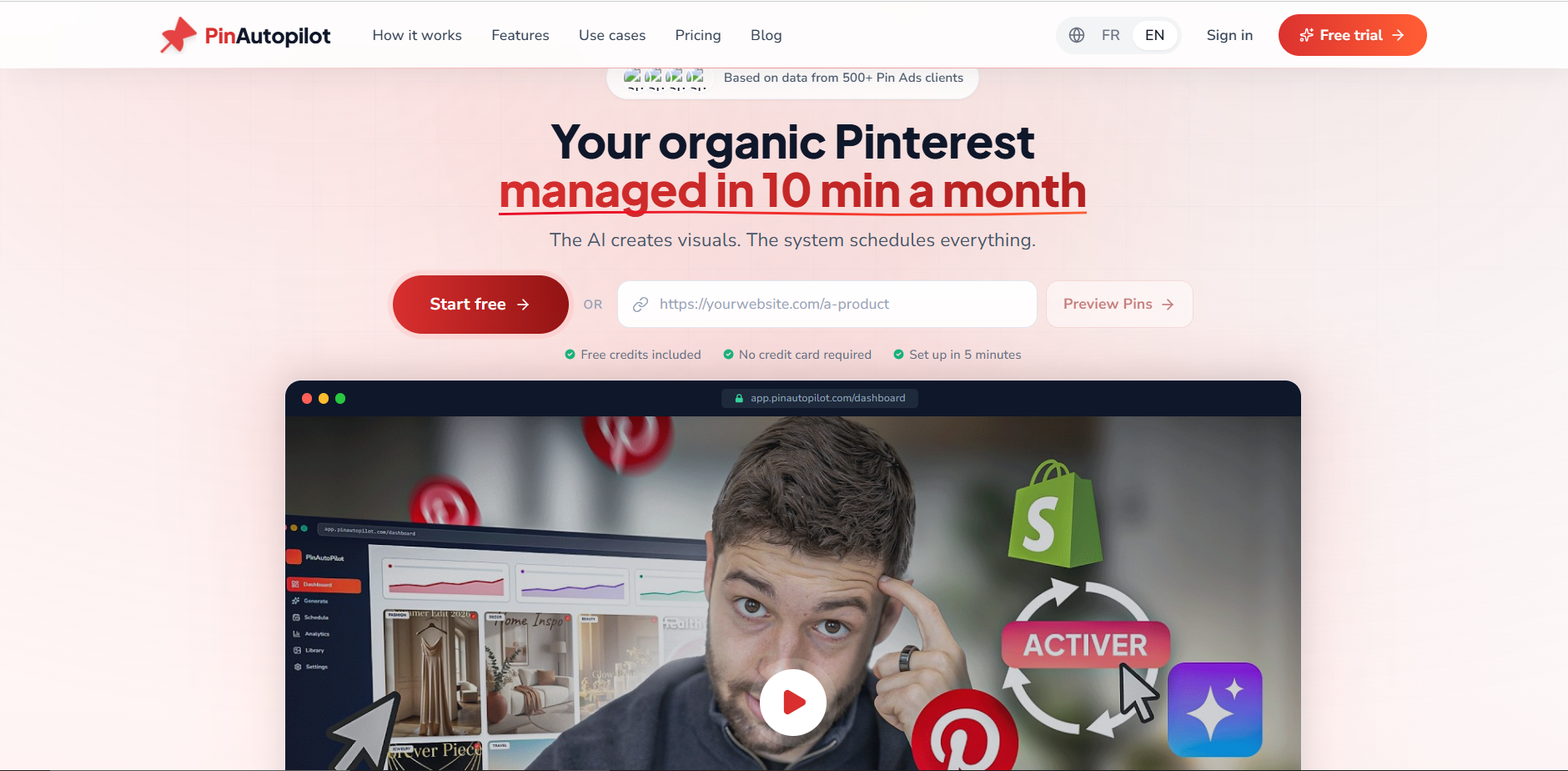
Features. Shopify-native, set up in about five minutes. Imports your products, generates AI pins and images, schedules them, and reports back. Starter covers 150 AI credits a month, 50 pins a day, and unlimited e-commerce stores. Growth pushes to 400 credits and 1,000 pins a day with advanced analytics.
Pros
- Shopify-first, with near-instant setup
- Free plan to start, no credit card, so you test before you trust
- Unlimited e-commerce stores even on the entry plan
Cons
- Very new. Almost no track record yet.
- Marketing leans hard on traffic-multiplier promises
- Does not publicly state how it connects, so confirm it uses the official API before pointing it at your main account
Pricing. Free plan to start. Starter is $29.99 a month, Growth $74.99 a month.
Best for. Shopify stores happy to test the newest, most automated option.
5. Pin Generator
Pin Generator is the workhorse. At its simplest, it turns any URL into a batch of pins. For stores, its Shopify app pulls your catalog, picks boards with AI, writes alt text, and auto-posts, and it keeps running as you add new products.
It also bundles a free keyword tool, and keywords are half the Pinterest game, which I cover in the Pinterest keyword tool guide. The others are appliances and this one is a toolbox.
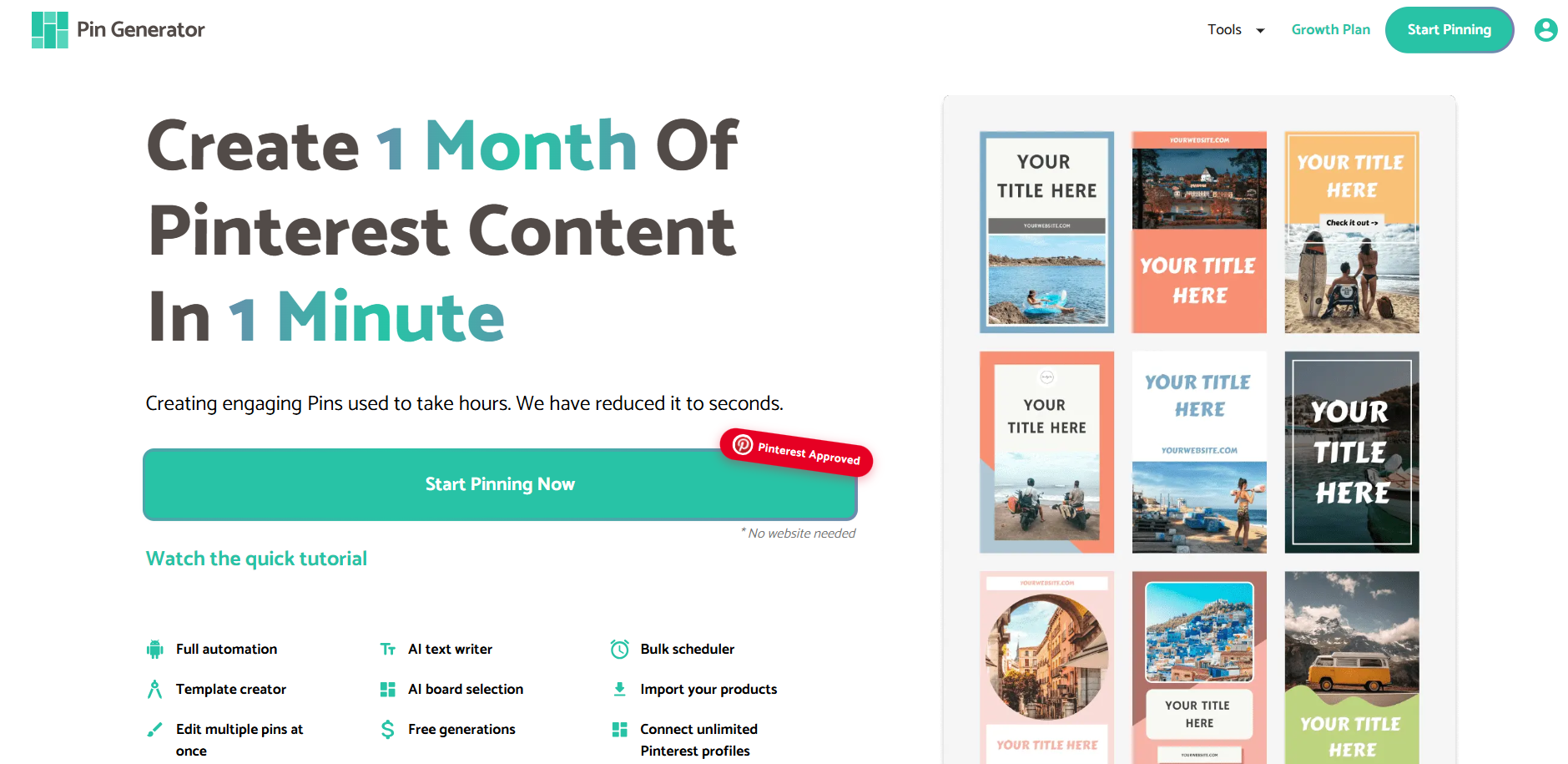
Features. Bulk pins from URLs with templates, a Shopify app for catalog pulls and auto-posting, AI board selection and alt text, a scheduler, and a free keyword tool. Pro includes 1,000 credits a month, Growth 4,000, Agency 10,000, all with access to every feature.
Pros
- Huge range, from URL-to-pin to full Shopify automation
- A genuinely useful free keyword tool to plan with
- Scales to high volume without blinking
Cons
- A few rough edges. Per its own reviews, AI board selection can glitch and stop a pin, and AI alt text has been hit or miss.
- Small team, so support can lag
- The Shopify app runs on credits
Pricing. Pro is $19.99 a month billed annually ($240 a year), or $29.99 month to month. Growth is $39.99 annually ($49.99 monthly), Agency $49.99 annually ($69.99 monthly).
Best for. Hands-on store owners who want flexibility and volume.
How to Automate Pinterest Without Getting Banned
How a tool connects matters more than what it can do.
Pinterest only allows automated access through its official API. Its developer guidelines are blunt. No scraping. No acting for a user without consent. No asking for passwords or session cookies.
And 2026? Pinterest suspended accounts in waves. It even admitted one internal error over-enforced and swept up thousands of legitimate stores.
So ask one question before you trust any tool. Does it connect through the official API with OAuth, where you grant and revoke access? Or does it want your password and log in as you?
First one is safe. Second one is how stores vanish.
Avoid anything built to run armies of accounts with fingerprint spoofing too. That is the exact behavior the ban waves hunt. I broke down why Pinterest sends violation notices and how to fix them if you want the full story. Cheap automation that risks your account is the most expensive kind there is.
The 5 Tools, Side by Side
Prices verified June 2026 from each tool's official pricing page. Confirm before publishing, plans change often. "Verify" means check the tool uses the official API before you scale on it.
| Tool | What it automates | Pricing | Connection |
|---|---|---|---|
| BlogToPin | Auto-creates pins from any page on your site | From $25/mo annually ($39 monthly) | OAuth |
| Supapin | Creates and publishes pins from your site | From $17/mo annually ($29 monthly) | Official API (OAuth) |
| Made to Spark | AI pins from a keyword, URL, or product | Free generator; Solo $21.90/mo | Verify before scaling |
| PinAutoPilot | Turns a Shopify catalog into AI pins | Free plan; Starter $29.99/mo | Verify before scaling |
| Pin Generator | Bulk pins from URLs, plus a Shopify app | From $19.99/mo annually ($29.99 monthly) | Official API (app) |
BlogToPin connects via OAuth, but its Agency tier also offers an email and password login. Use the OAuth route.
Two Ways to Stop Burning Money
First. Do not pay for two tools that both publish. One create-and-publish tool already handles posting. Doubling up just doubles your bill.
Second. Do not let a rising impression count fool you. Automation inflates impressions fast, and impressions are not sales. Many people get beaten here. I unpack that in what impressions actually mean on Pinterest. Watch saves, clicks, and orders. And let your tool post when your audience is actually online, which I cover in the best time to post on Pinterest.
So Which One Do You Actually Pick?
Five tools is four too many to install. Here is the cheat sheet.
- BlogToPin, if your store runs on content and you want every page auto-turned into pins.
- Supapin, if you want hands-off pins on the official API, with plans that start light and scale.
- Made to Spark, if you avoid design tools and want several branded pins from one URL in minutes.
- PinAutoPilot, if you are Shopify-first and want to start on a free plan before you commit.
- Pin Generator, if you want flexibility, volume, and a free keyword tool.
BlogToPin and Supapin lead for full site automation. Made to Spark and PinAutoPilot are the AI newcomers, while Pin Generator is the flexible one. Pick one and automate only through Pinterest's official API.
Questions You Are Probably Asking
What is the best new Pinterest automation tool for a Shopify store?
Pair a create-and-publish tool like Supapin or BlogToPin with Pinterest Catalogs. Catalogs turns your product feed into Product Pins on its own. Want a Shopify-first newcomer? Test PinAutoPilot on its free plan, but confirm how it connects before you scale.
Will Pinterest automation get my account banned?
Not if the tool runs on Pinterest's official API with OAuth. What gets accounts suspended is scraping, browser automation, password logins, and running many fingerprinted accounts. Check the connection method first, new tool or old.
What about tools that promise to run multiple Pinterest accounts?
Those are antidetect, multi-account tools built for agencies, not a single store. For one brand account they add cost and risk with no real upside, and they nudge you toward the exact behavior Pinterest polices. Stay away.
Automation tool or scheduler. What is the difference?
A scheduler posts pins you made and queued by hand. A real automation tool makes the pins for you from your site or products, then publishes them. The five here mostly do the second. That is where the time goes.
How much time does Pinterest automation actually save?
Manual pinning runs near 20 hours a month once you count design, copy, and posting. A create-and-publish tool wipes out most of that. Your number depends on how many pins you push each week.
The Part Most People Get Wrong
The flashiest tool is not the win.
The win is publishing good pins, consistently, without it eating your week or your account. Pick the one tool that fits how your store actually works. Automate through the official API. Keep a human on the stuff that carries your brand. That is the whole game. For the bigger playbook beyond tools, I put it in how to grow on Pinterest in 2026.
Want to see hands-off, API-safe pins for your own store? Create your first pins free with Supapin and turn the pages you already have into scheduled pins this week.
Ready to grow your traffic with Pinterest?
Turn the pages you already have into pins that send traffic back to your site.
Start for freeRelated Posts
BlogToPin vs Pinterest Scheduler vs Supapin: Which Fits You?
Pinterest's native scheduler, BlogToPin and Supapin compared: what each one automates, real pricing, and a straightforward way to decide which fits your workflow.
Tailwind vs Pin Generator vs Supapin: Which Fits Your Workflow?
A practical comparison of Tailwind, Pin Generator and Supapin: what each tool automates, what you still manage yourself, and which workflow fits your site.
How to Go Viral on Pinterest in 2026 (7 Ways That Work)
Going viral on Pinterest isn't luck. Seven repeatable tactics — design, SEO, volume, cadence and tracking — that actually move pins in 2026.